Manage trials, RSVPs and teamsheets from Discord
FCBot pairs a small Discord bot with a lightweight dashboard so managers can run trial signups, collect availability, pick squads and publish polished teamsheets — all without leaving Discord.
Applicant flow
Applicants choose positions and apply via Discord; the bot collects answers and assigns trialist roles automatically.
Channel RSVPs
Collect availability per match and see an up-to-date roster in the dashboard.
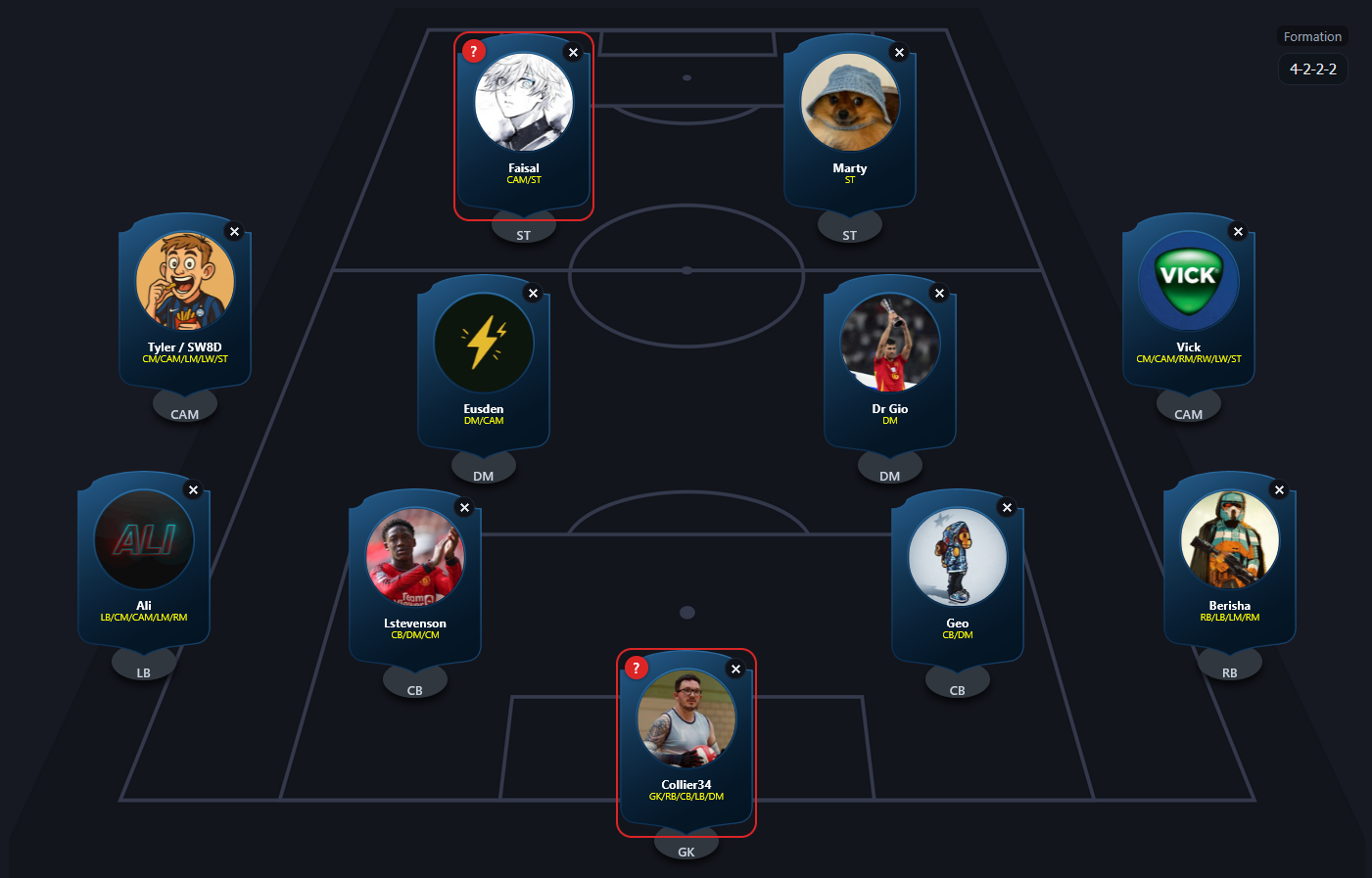
Teamsheet editor
Drag & drop an XI, tweak roles/positions, and publish a beautiful teamsheet back to your match channel.
Self-service management
Managers can configure channels, re-post the Apply button and control settings without editing files.
Works on your host
FCBot stores server config on-host and runs from a single Python process — keep control of your data.
Quick start
- Install the bot to your server using the invite link.
- Open Setup from the dashboard or run the `/setup` flow in Discord to create roles & channels automatically.
- Use `/post_apply` (managers) to post the Apply button or let the setup do it for you.
- Create a match in the dashboard and publish the teamsheet back to your channel.
Full documentation and troubleshooting are available in the project README and the installation page.
Permissions
Recommended permissions: Manage Roles, Manage Channels, Send Messages. The installer requests Administrator by default for easiest setup; you can restrict permissions manually.
Privacy
Per-server settings are stored on the host running the bot. Player names and avatars are fetched from Discord when needed to render cards; no analytics are sent externally by default.
Support & Source
Source code and issues: github.com/SW8D/fcbot